

Quality
Our algorithms remove compression artifacts and sharpen images, including faces, for clearer results
Restore details, remove blur, and enhance sharpness with AI — upscale in seconds with a Chrome extension
Try it Now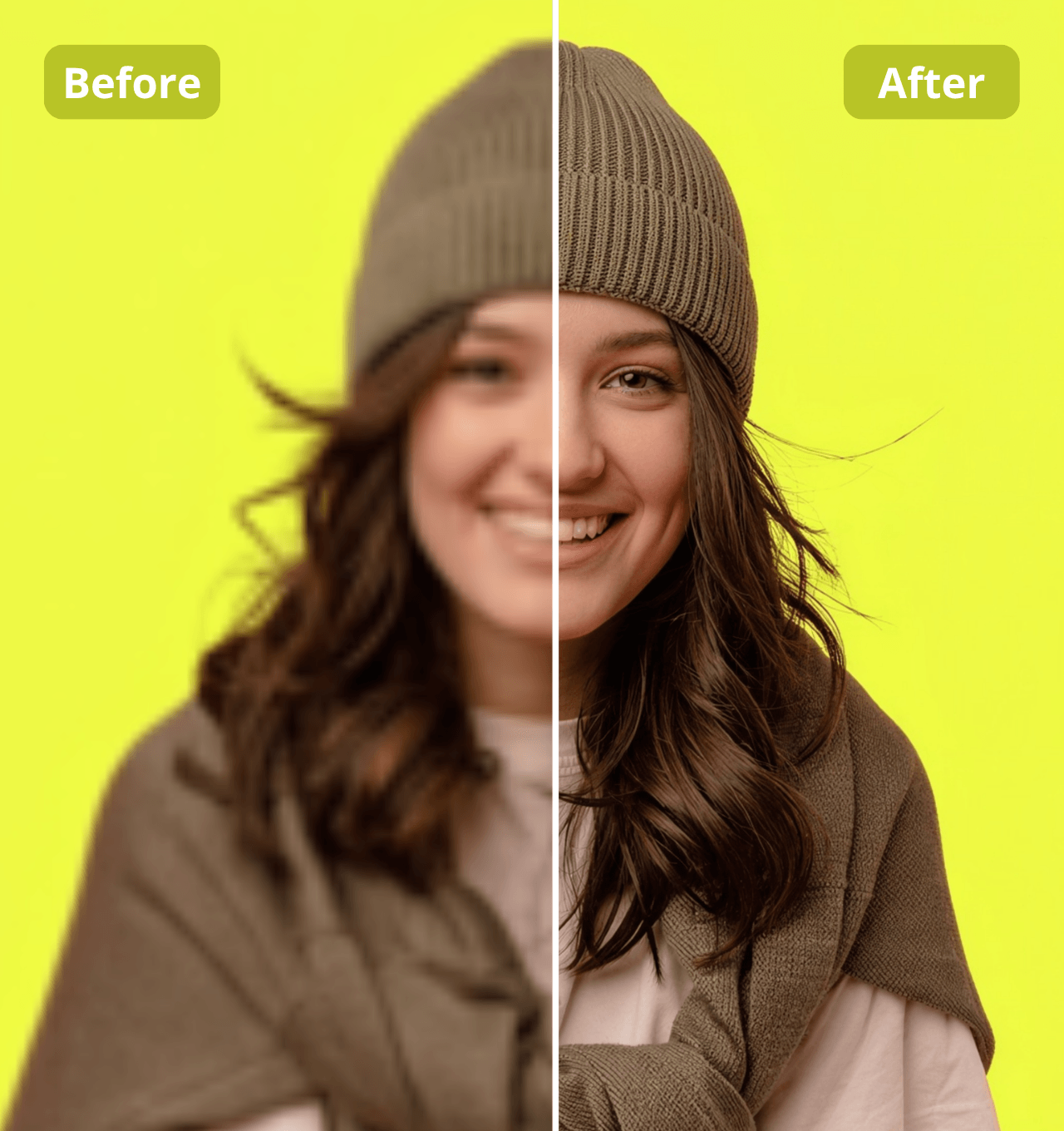

Step 1
Drag, drop, or paste your image — AI starts enhancing it instantly
Step 2
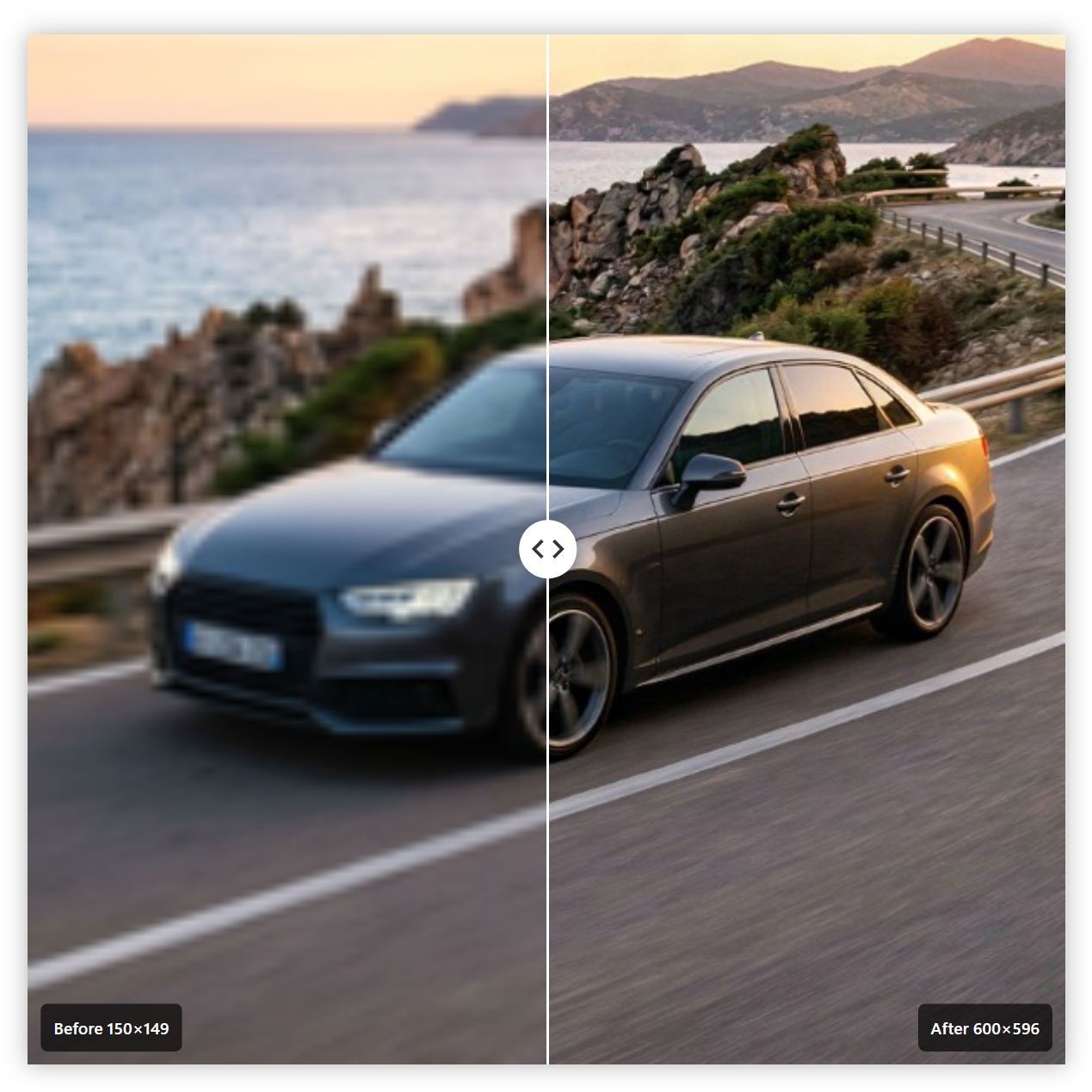
See the difference instantly with our before/after slider
Step 3
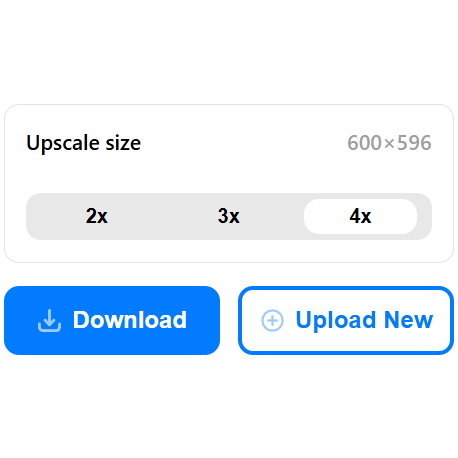
Use the toolbar to select your upscaling size, then download your enhanced image
Why Us
Our algorithms remove compression artifacts and sharpen images, including faces, for clearer results
Average image processing takes just 11 seconds

Easily preview your image before and after enhancement

Choose to increase image size by 2×, 3×, or 4×